BETA23 of 50 spots left

Try CLYMB
before launch

Be a Founding Climber. Test the app, send us feedback. Get Lifetime Pro. Join the raffle.

Public launch: December
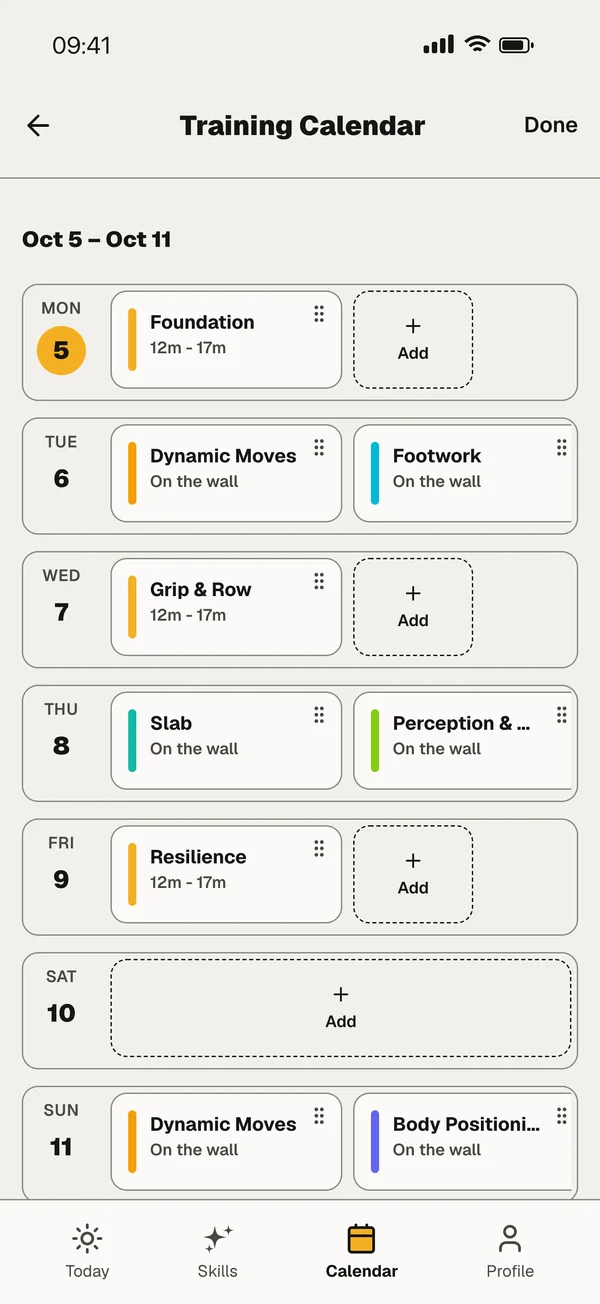
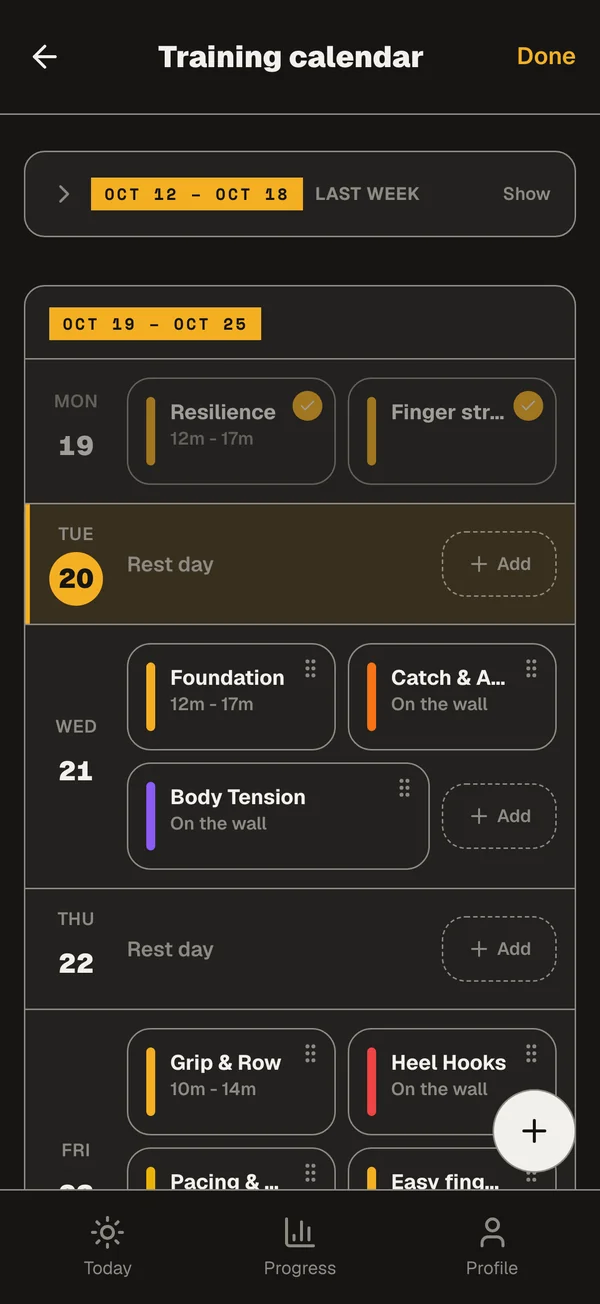
Training Calendar showing scheduled conditioning and climbing sessions
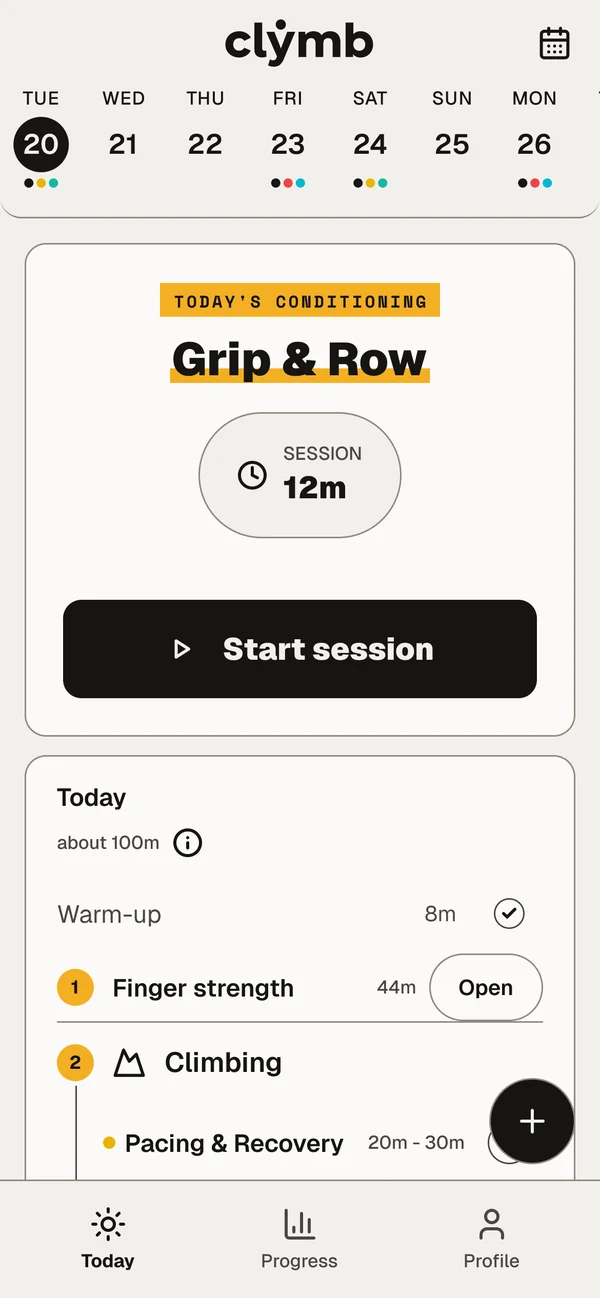
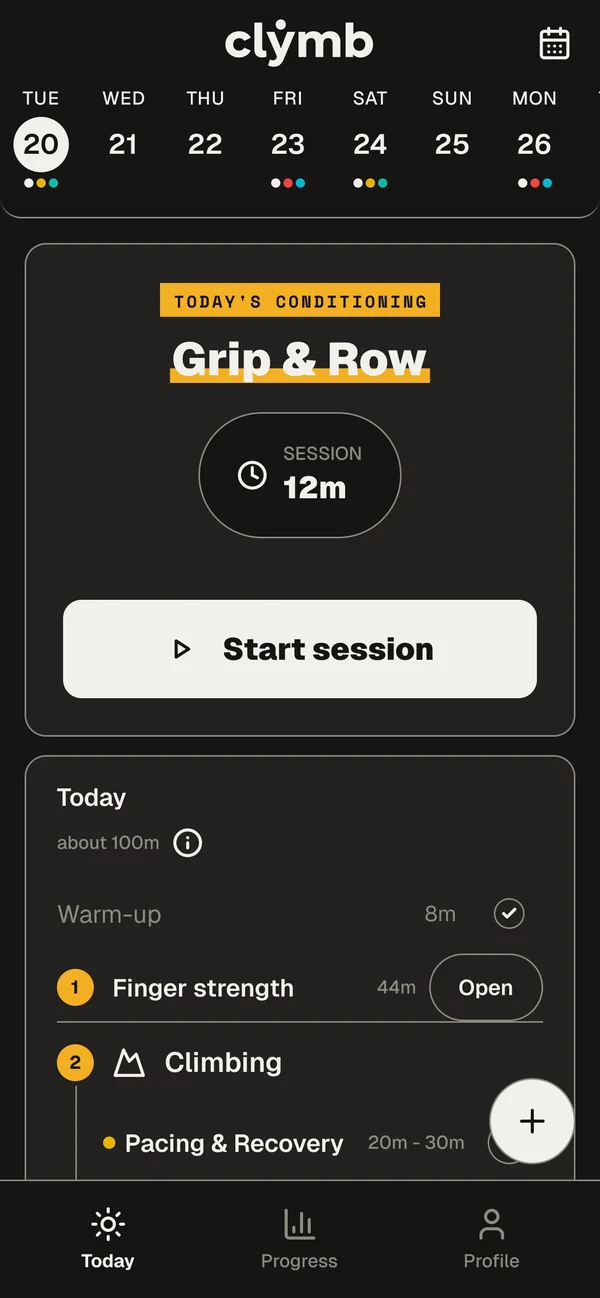
Today's Conditioning and workout session screens showing daily training in action
What you get

You test it.
Pro for life.

Founding Climbers

Lifetime Pro

CLYMB Pro on your account, free, for good. Founders have it from the day we start charging for it.

You claim it in the app after launch.

23 of 50 spots left
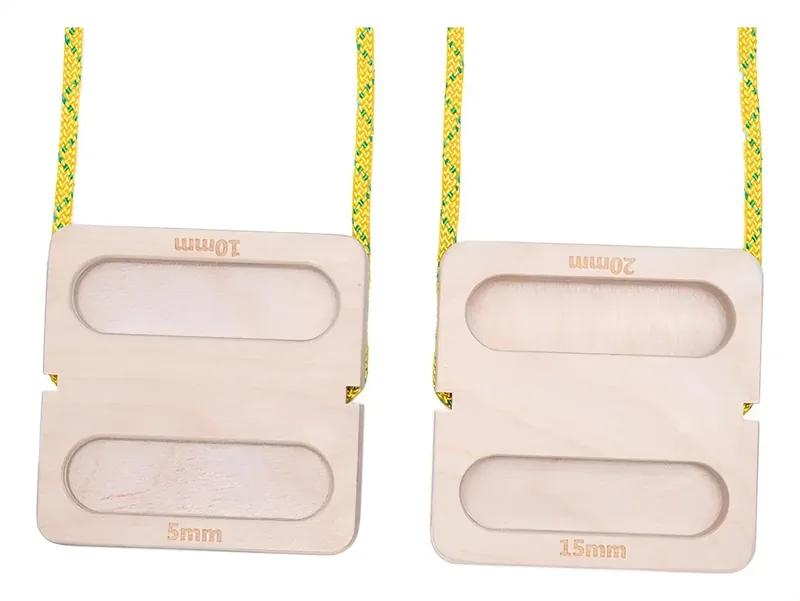
Two wooden fingerboards on a yellow rope, with 5, 10, 15 and 20 mm edges
Raffle

A wooden fingerboard

Finish every step and you're in the raffle for a portable wooden fingerboard.

What we need

Three things.
That's it.

  1. Keep it installed

    Get CLYMB on your phone and leave it there.

  2. Train with it

    Take it into a few sessions: Conditioning, finger training, Skills.

  3. Tell us how it went

    One 3-minute form once you've tried it. We'll send you a reminder.

Why CLYMB

The mission.
In 84 seconds.

Américo on why CLYMB exists. It starts muted with subtitles. Turn the sound on in the player.
Get the app

Your phone.
Your steps.

Pick your phone and follow the steps in order. On Android, step 1 is the one people get wrong.

Needs Android 7.0 or newer.

  1. Join the Google group

    Use the Google account from your Play Store. Any other address and the opt-in won't find you.

  2. Get it on Google Play

    Tap Become a tester, then Download. Usually instant.

    Play says you're not a tester yet? Give it a few minutes, try again, then tell us.

  3. Send feedback

    3-minute form with your phone and OS, once you've tried the app. If we email you, a reply counts too.

Can't see the app?

  • Wrong Google account: use the one from Google Play.
  • No Play Store on the device: use a phone that has it.

Still stuck? Ask in CLYMB Chat, our Telegram group.Open Telegram

Needs iOS 15 or newer.

  1. Open TestFlight invite

    Open the link on your iPhone.

  2. Install TestFlight if asked.

  3. Tap Accept, then Install.

  4. Send feedback

    3-minute form with your phone and OS, once you've tried the app. If we email you, a reply counts too.

Beta builds expire after 90 days; keep TestFlight to get updates.

Still stuck? Ask in CLYMB Chat, our Telegram group.Open Telegram

Questions

Fair questions.
Short answers.

Install CLYMB, keep it installed, train with it, discover the features and tell us what you like. Send the feedback form at least once after trying it.

Conditions

The rules.
In full.

Raffle conditions

  • Open to Founding Climbers: a CLYMB account created during the beta with a confirmed email address.
  • The beta has 50 spots. If they are gone, finish the steps and your entry still counts.
  • Taking part means training with CLYMB at least 3 times on 3 different days.
  • One long afternoon counts as one day.
  • Send the feedback form once, from the address on your account.
  • One entry per person, not per account.
  • Duplicate or linked accounts void every entry from that person.
  • The draw follows the public launch. We name the winner in CLYMB Chat and send them an email.
  • No purchase necessary.

Organiser: Flexfit Softwareentwicklung, Stresemannstr. 72, 10963 Berlin.

Lifetime Pro terms

  • CLYMB Pro on your account, free, for as long as the account exists.
  • It starts on the day we begin charging for Pro.
  • You claim it in the app, signed in, within 30 days of the public launch.
  • Not by clicking a link in an email. The reminders show up in the app as well.
  • Duplicate or linked accounts forfeit it.